
The Evolution of Optical Character Recognition: From Template Matching to Deep Neural Networks
When physical documents, handwritten forms, or scanned contracts are digitized, they are initially stored as static bitmap images: arrays of pixels with no semantic understanding of letters, paragraphs, or tabular cells. Without Optical Character Recognition (OCR), critical business intelligence remains locked inside unsearchable images.
Modern OCR technology has evolved from primitive matrix matching into sophisticated deep convolutional neural networks (CNNs) and recurrent neural networks with Long Short-Term Memory (LSTM) cells capable of parsing complex multi-column typography, degraded historical scans, and intricate tabular structures.
5-Stage Neural OCR Recognition Architecture
Binarization
Adaptive Otsu thresholdingDeskewing
Hough transform angle alignmentLayout Parser
Column & table segmentationNeural Classifier
LSTM glyph recognitionPDF/A Layer
Invisible text overlay injection1. Pre-Processing: Resolution, DPI & Adaptive Contrast
The accuracy of character recognition is fundamentally constrained by input image fidelity. Applying neural models to noisy, low-resolution scans results in character substitution errors (such as mistaking 'rn' for 'm' or '0' for 'O'). SwiftFileConvert automatically applies a robust pre-processing pipeline:
- Resolution Upsampling: Automatically scales scans to the optimal OCR threshold of 300–400 DPI using bicubic spline interpolation.
- Adaptive Otsu Binarization: Evaluates local image histogram variances to separate foreground ink from stained or translucent paper backgrounds.
- Perspective Correction: Corrects angular keystone distortion caused by mobile smartphone camera captures.
2. Generating Searchable PDF/A with Invisible Text Layers
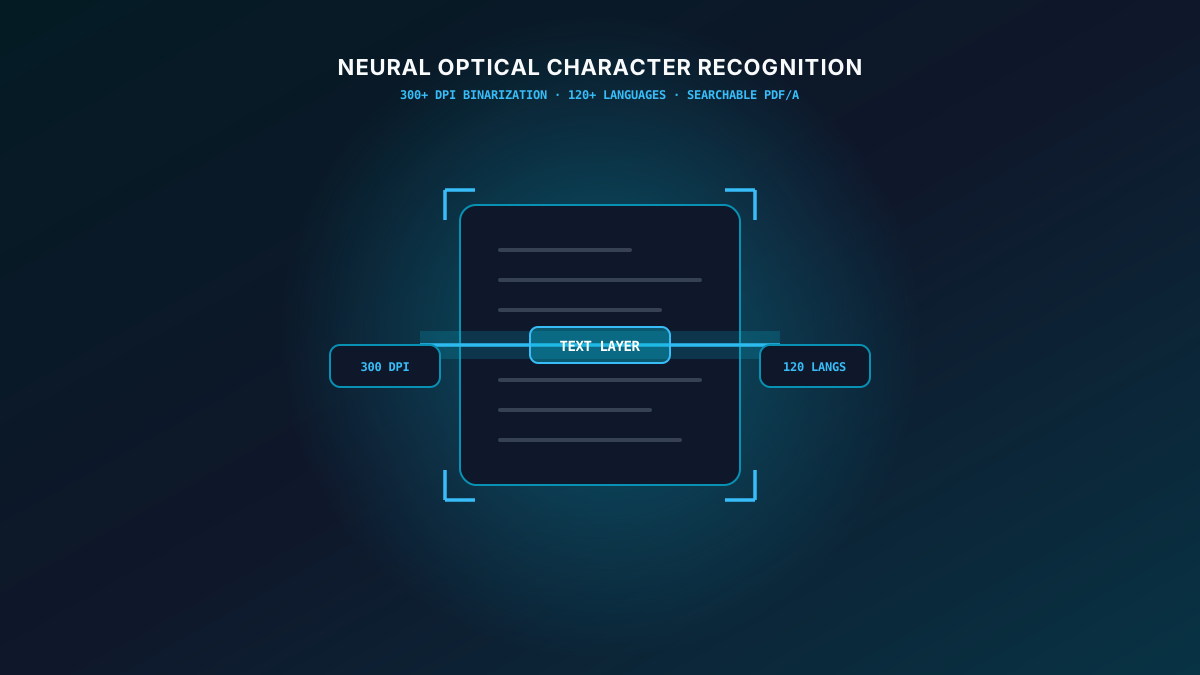
A critical output of modern OCR is the Searchable PDF. Rather than replacing the original visual scan with computerized fonts, SwiftFileConvert embeds an invisible, select-enabled Unicode text layer precisely positioned behind the original bitmap image. This ensures that users see the authentic original scan while enjoying full keyword searchability, screen-reader accessibility, and copy-paste capabilities.
Conclusion
OCR transforms dormant paper archives into searchable, actionable digital knowledge bases. By combining computer vision pre-processing with deep learning character classifiers, SwiftFileConvert unlocks maximum accuracy across 120+ languages.