
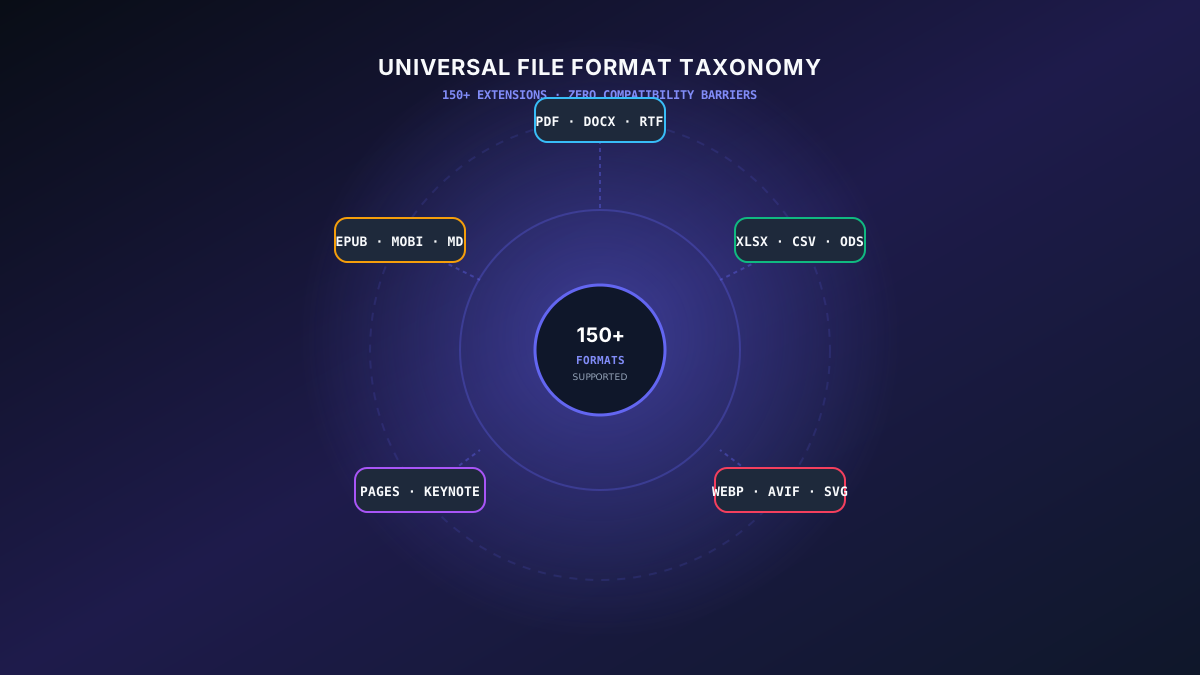
The Universal File Format Taxonomy: Bridging Data Silos in Modern Computing
In contemporary computing, file formats are far more than arbitrary file extensions: they define serialization schemas, compression algorithms, metadata containers, and byte-level encoding standards. Whether managing petabyte-scale data lakes, engineering CAD blueprints, or mission-critical legal repositories, selecting the proper format — and understanding the mathematical mechanics of format transcoding — is the difference between seamless collaboration and catastrophic data corruption.
This comprehensive publication explores the architectural foundations, byte structures, container formats, and conversion strategies for every major digital asset category supported across the SwiftFileConvert distributed cluster.
Cross-Format Transcoding Compatibility
Preserves TrueType font glyphs, vector charts, Bates headers, and CMYK color spaces without reflow.
Extracts multi-sheet tabular structures with RFC 4180 delimiter escaping and UTF-8 BOM encoding.
Calculates SSIM perceptual index and alpha channel transparency with zero visual artifacting.
1. Document & Rich Text Formats: DOCX, PDF, ODT, RTF & EPUB
Document standards represent the core of global administrative workflows. The primary dichotomy exists between Reflowable Layouts (such as DOCX and EPUB) and Fixed-Layout Preservations (such as PDF/A):
- Office Open XML (.DOCX): A zipped package of XML schema files defined by ISO/IEC 29500. Ideal for collaborative editing, change tracking, and dynamic pagination.
- Portable Document Format (.PDF / ISO 32000): PostScript-derived fixed-coordinate format. Freezes typography, vectors, and raster assets into device-independent pages.
- OpenDocument Text (.ODT): OASIS open standard XML format guaranteeing complete freedom from proprietary vendor locks.
- Electronic Publication (.EPUB 3): Reflowable HTML5/CSS packaging for digital readers, supporting responsive typography and media overlays.
2. Tabular Data & Analytics Formats: XLSX, CSV, TSV & ODS
Data science and business intelligence depend on structured serialization. When converting from rich spreadsheet models (XLSX) to analytical interchange streams (CSV/TSV), formula evaluation must occur in-memory without losing precision:
# Example: High-Precision Tabular Normalization
import csv
import openpyxl

def normalize_spreadsheet_to_csv(input_xlsx, output_csv):
    wb = openpyxl.load_workbook(input_xlsx, data_only=True)
    sheet = wb.active
    with open(output_csv, 'w', newline='', encoding='utf-8') as f:
        writer = csv.writer(f, quoting=csv.QUOTE_MINIMAL)
        for row in sheet.iter_rows(values_only=True):
            writer.writerow(row)
    print(f"[CONVERTED] Successfully normalized {input_xlsx} to UTF-8 CSV")
3. Vector & Raster Graphics: SVG, WebP, AVIF & TIFF
Understanding the mathematical boundaries between vector coordinate geometry (SVG) and raster bitmap arrays (WebP, AVIF, JPEG) is critical for web performance and high-resolution print publishing:
- Scalable Vector Graphics (.SVG): XML-based two-dimensional vector geometry. Infinite resolution with zero pixelation at any display scale.
- WebP & AVIF: Modern predictive intra-frame coding algorithms achieving 30–80% bandwidth reductions compared to legacy JPEG and PNG formats while retaining 10-bit color depth.
- Tagged Image File Format (.TIFF): Uncompressed 48-bit color containers used in prepress publishing, medical imaging, and scientific microscopy.
Conclusion
Mastering the universal format taxonomy empowers engineering and business teams to eliminate format obsolescence, preserve document integrity for decades, and optimize bandwidth consumption across global networks.